Remove Text from Images with AI
Erase captions, dates and labels in seconds.
Upload a photo or screenshot. The AI finds the text on its own, removes it, and rebuilds the background behind it.
Before → After
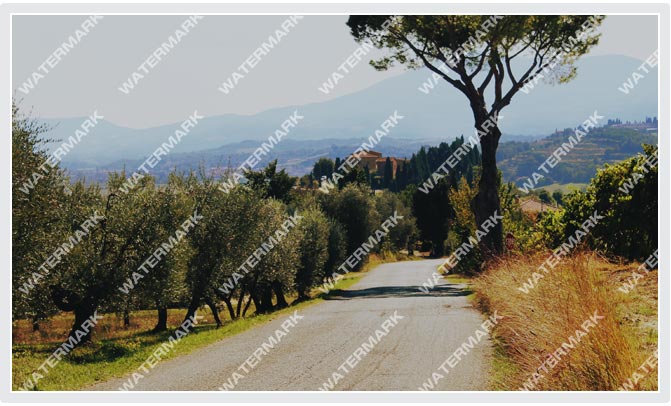 Before
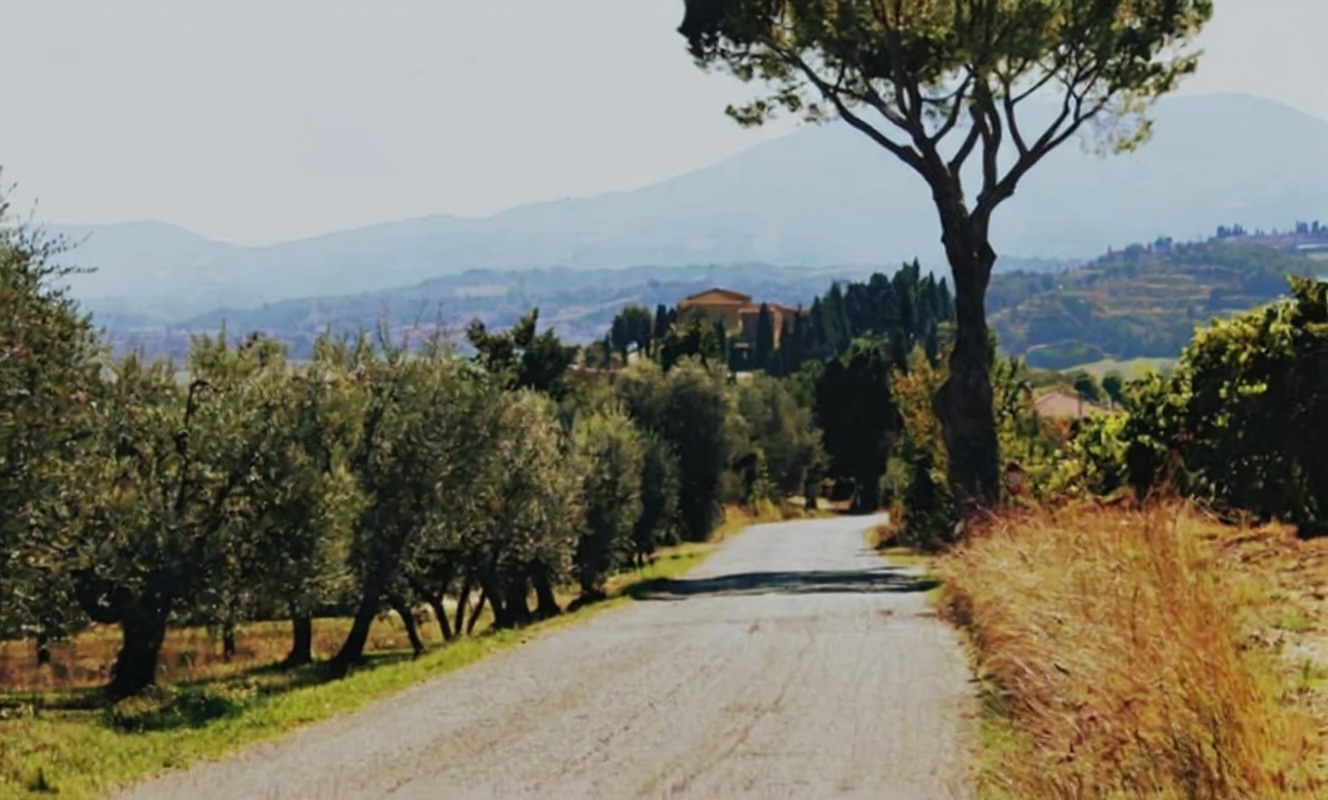 After
After
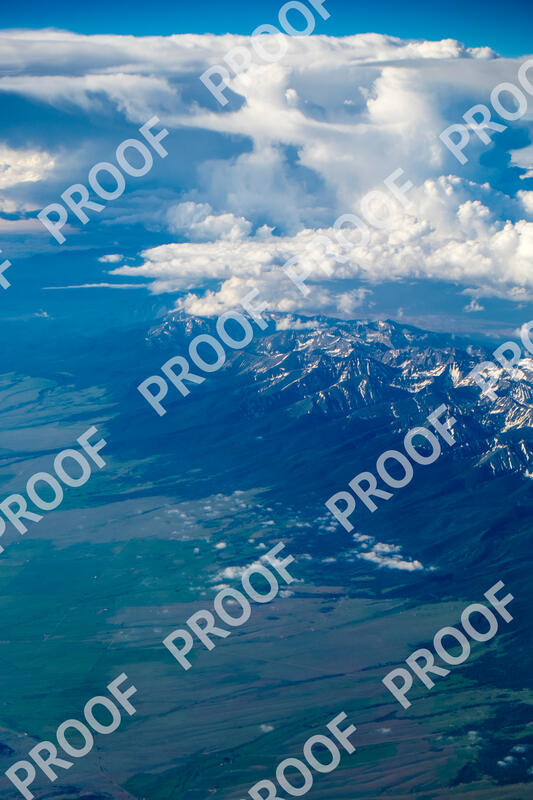 Before
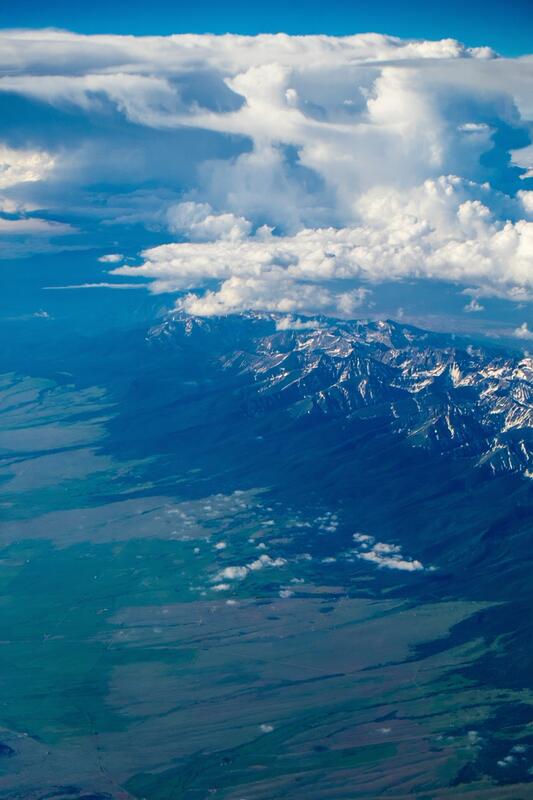 After
After
 Before
 After
After
 Before
 After
Before
After
Before
After
After
Before
After
Before
After
Drop your image here
or click to browse
PNG, JPG, JPEG, WebP, HEIC • Max 5MB
By uploading an image you agree to our Terms of Use and Privacy Policy.
Original
Result
Processing...
This usually takes 10 to 30 seconds
Get more credits
Keep removing watermarks with a one-time credit pack.
Before
After
Before
After
A text remover that finds the text for you
You don't need to select anything. The model looks for lettering anywhere in the image, including captions, price tags, date stamps, subtitles, usernames and signs, and paints the area back in from the pixels around it.
It works with any alphabet, on photos, screenshots, memes, product shots and scanned pages. Only the text is changed. Everything else in the image stays as it was.
Text it can remove
Captions and subtitles
Burned-in captions on video stills, memes and social posts.
Dates and timestamps
Orange camera date stamps and timestamps on old photos you own.
Labels and prices
Price stickers, labels and product text on photos for your listings.
Screenshot text
Usernames, notifications and personal details before you share a screenshot.
Text watermarks
Words like SAMPLE or DRAFT on images you own or may edit.
Signs and lettering
Street signs, posters and writing that distract from the subject.
How to remove text from an image
-
Upload the image
PNG, JPG, WebP or HEIC up to 5MB.
-
Tap Remove Text
The AI detects every piece of text and removes it in 10 to 30 seconds.
-
Download
Save the clean image, or upload another.
Tips for the cleanest result
- Use the largest version of the image you have. More pixels around the text give the AI more to rebuild from.
- Want to keep some text? Crop the image first, or use the Emoji Remover brush to erase only what you paint over.
- Working with a PDF? The PDF Watermark Remover cleans each page and gives you a new PDF.
Frequently asked questions
Is the text remover free?
Your first removal is free and doesn't need an account. After that, 100 credits cost $10, one-time. Credits never expire.
Can I choose which text to remove?
This tool removes all the text it finds. To erase only some of it, use the Emoji Remover, where you paint over exactly what should go.
Does it work with non-English text?
Yes. It removes text in any script, including Chinese, Arabic, Cyrillic and Devanagari.
Will the rest of the image change?
No. Only the areas with text are rebuilt. Faces, products and backgrounds stay as they were.
Can I remove text from a photo I don't own?
Only edit images you own or have permission to edit. Removing credits or copyright notices from someone else's work can break copyright law.
